By CleanMyMac
The most popular junk finder for Mac


One of the key reasons for Mac cleaning is a full disk. So let’s examine how serious the problem is. Click on the Apple logo in the top left corner About This Mac > More Info… In the Settings, click on General > Storage settings.
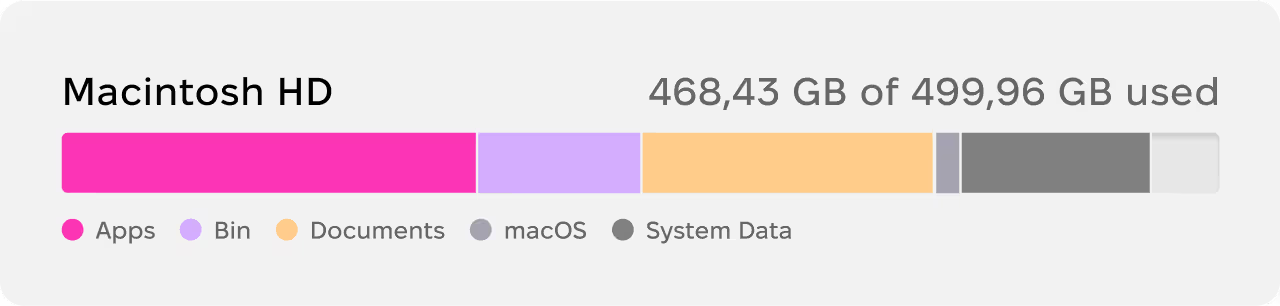
< 20 GB left

Critical
> 40-50 GB left

No panic

This comprehensive panel in Storage Settings shows you your largest files. Very likely, the most inflated categories will be Applications and Documents.
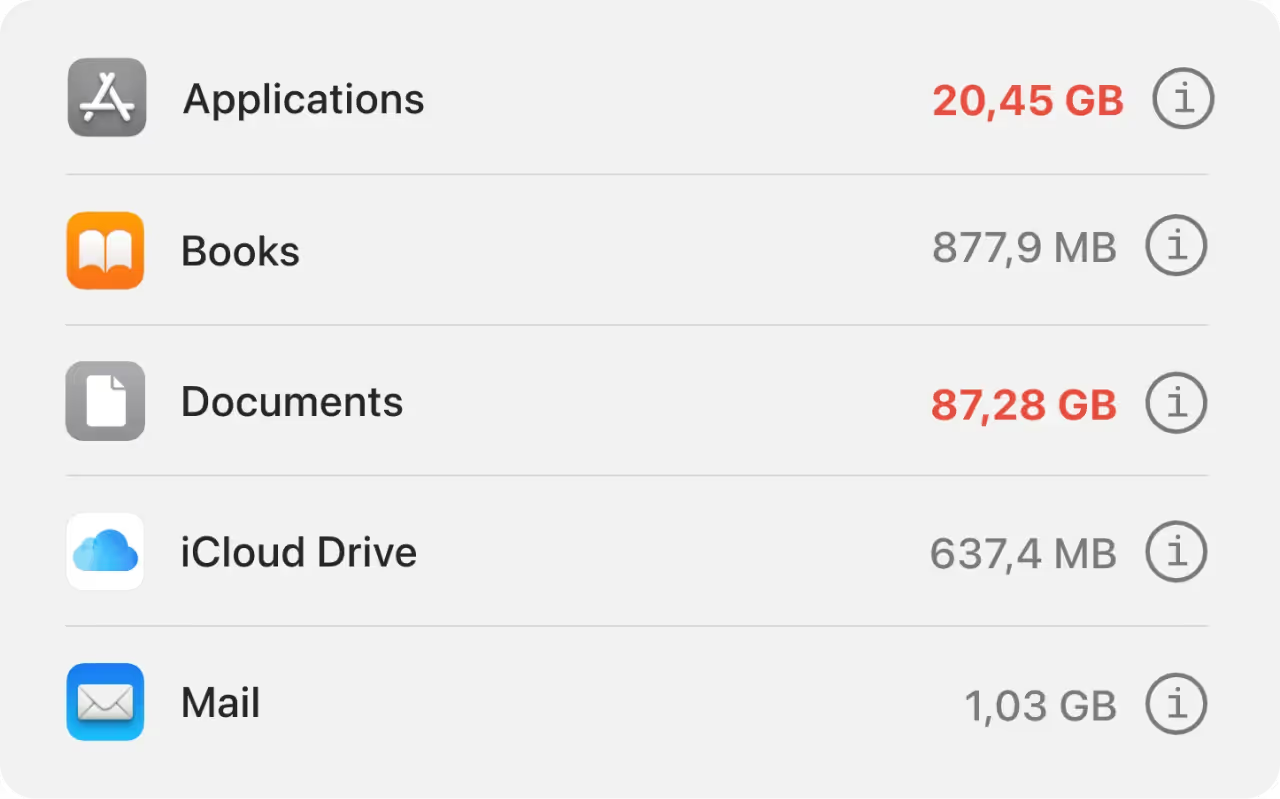
Click the Info sign

to reveal each category’s contents
Also, every Mac has 6-7 GB of pure junk to clear out

This app CleanMyMac is a quick junk finder that collects millions of tiny junk files around your drive. They are caches, duplicates, broken downloads, outdated logs. These are invisible in Finder.

Apple, featured article “Tidy up your Mac” 2022

Application cache

Duplicate files

Archives and DMG

Old screenshots
A good deal of junk files can be found manually in Finder, the others require a dedicated app.


Press Fn + F11 to go to your Desktop. Delete the ancient screenshots you don’t need.
In the Finder, type in .dmg in the search bar. Delete the old installer files.
Use a duplicate finder app, like Gemini 2.

Duplicate files can be scattered everywhere. They are the single most spacious category that wastes your disk space.
💡Tip: Use the free version of CleanMyMac — it’s free to use for 7 days.
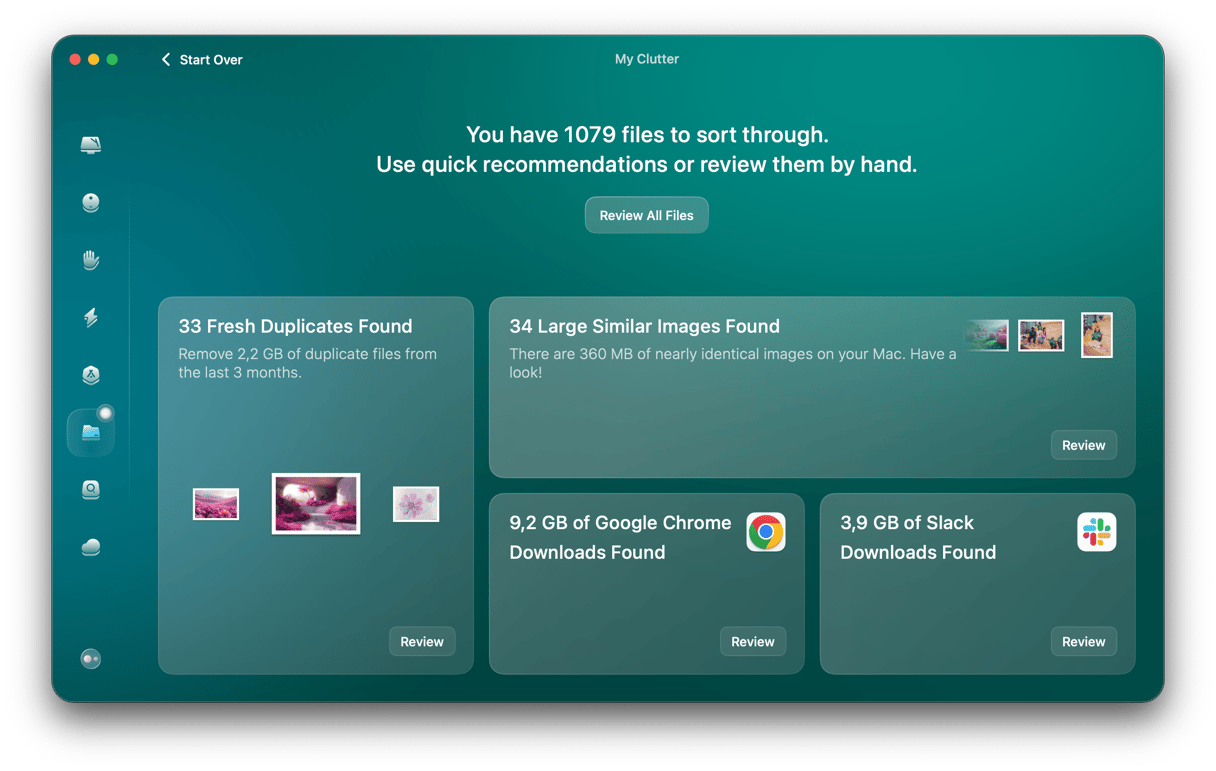
Go to the My Clutter tab and run a quick scan. This tool compares duplicates by many parameters, ensuring these files are 100% identical. Now you can quickly remove them in bulk.


Right-click on the Mac’s Bin.
Type in Login Items in System Settings.
Sort files by size in Finder.
Sort & delete files by type, like videos.
Click Chrome > Clear Browsing Data…